PP PrintlyToolAlways free
Template LibraryBlogHelp & Feedback
  1. Home/
  2. Template Library/
  3. Free Medication Log Template - Dose Tracking Printable

Free Medication Log Template - Dose Tracking Printable

What is a Medication Log?

A medication log centralizes dosing records and helps reduce missed, duplicated, or unclear medication history.

Core Benefits

  • Track dose and time consistently
  • Mark taken status clearly
  • Capture side effects and notes

Common Scenarios

  • Long-term medication routines
  • Post-surgery recovery periods
  • Family caregiver support

How to Fill

  1. Enter patient baseline info
  2. Log each medicine and dose
  3. Check Taken after completion
  4. Write reactions in Side Effects

FAQ

It indicates whether a scheduled dose has actually been taken. Mark it immediately after dosing to reduce memory errors.
Yes. Record one medication event per row so timing, dose, and reaction notes remain unambiguous for review.
Yes. Both paper sizes support full single-page output with the same field structure and reading order.
No. This form is for tracking and communication only, and it should not replace professional medical advice.

Related Templates

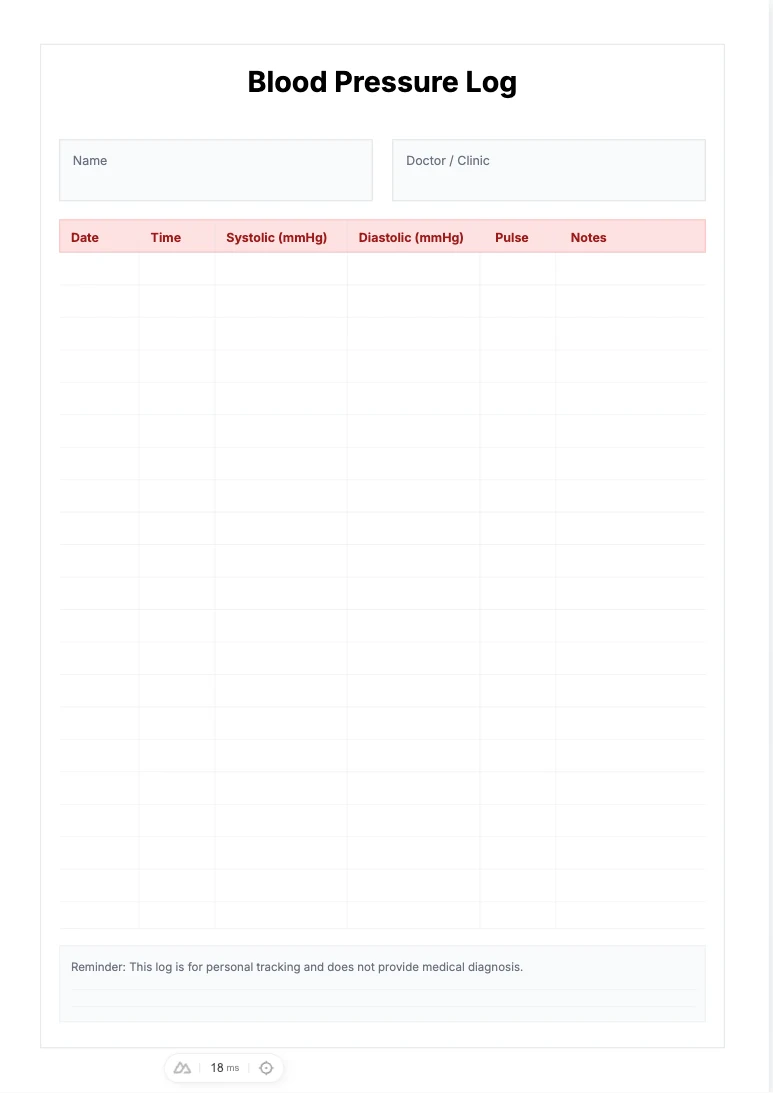
Free Blood Pressure Log Template - Health Tracking Printable
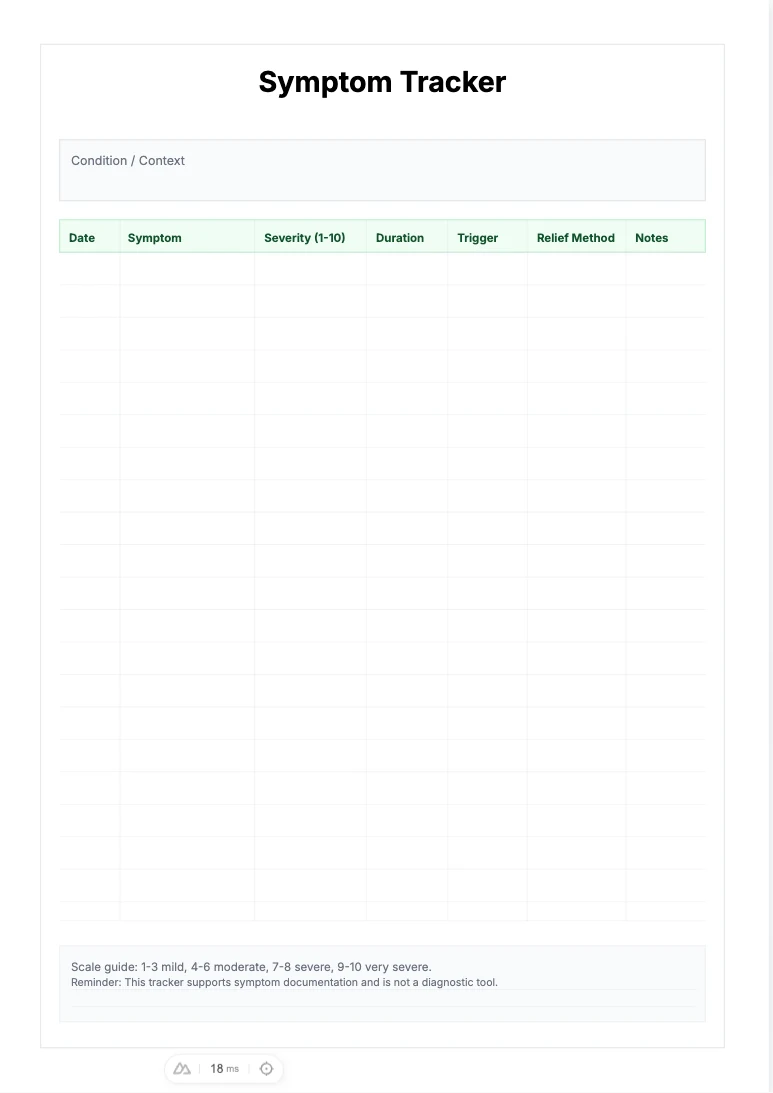
Free Symptom Tracker Template - Severity Log Printable
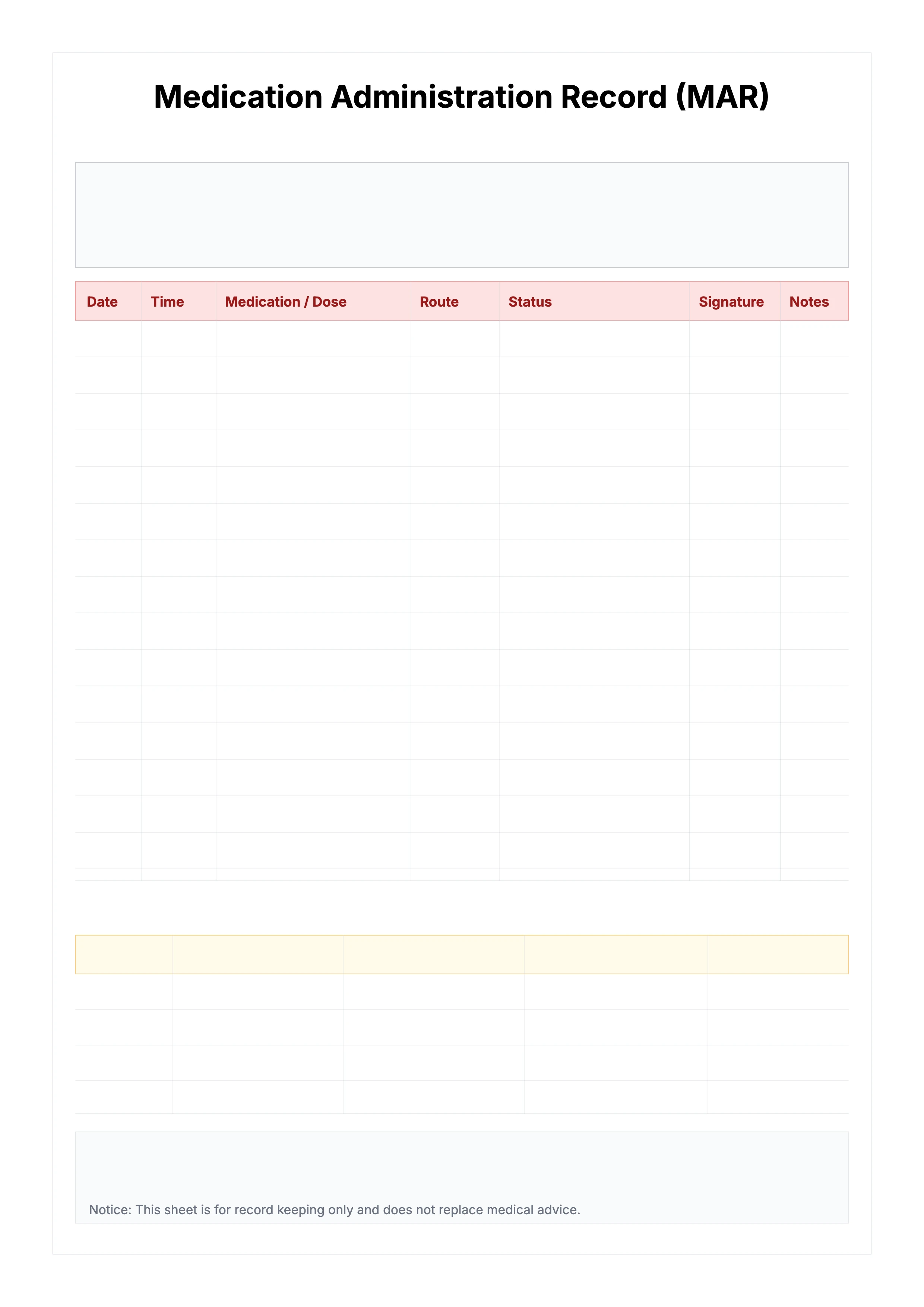
Free Medication Administration Record (MAR) Template
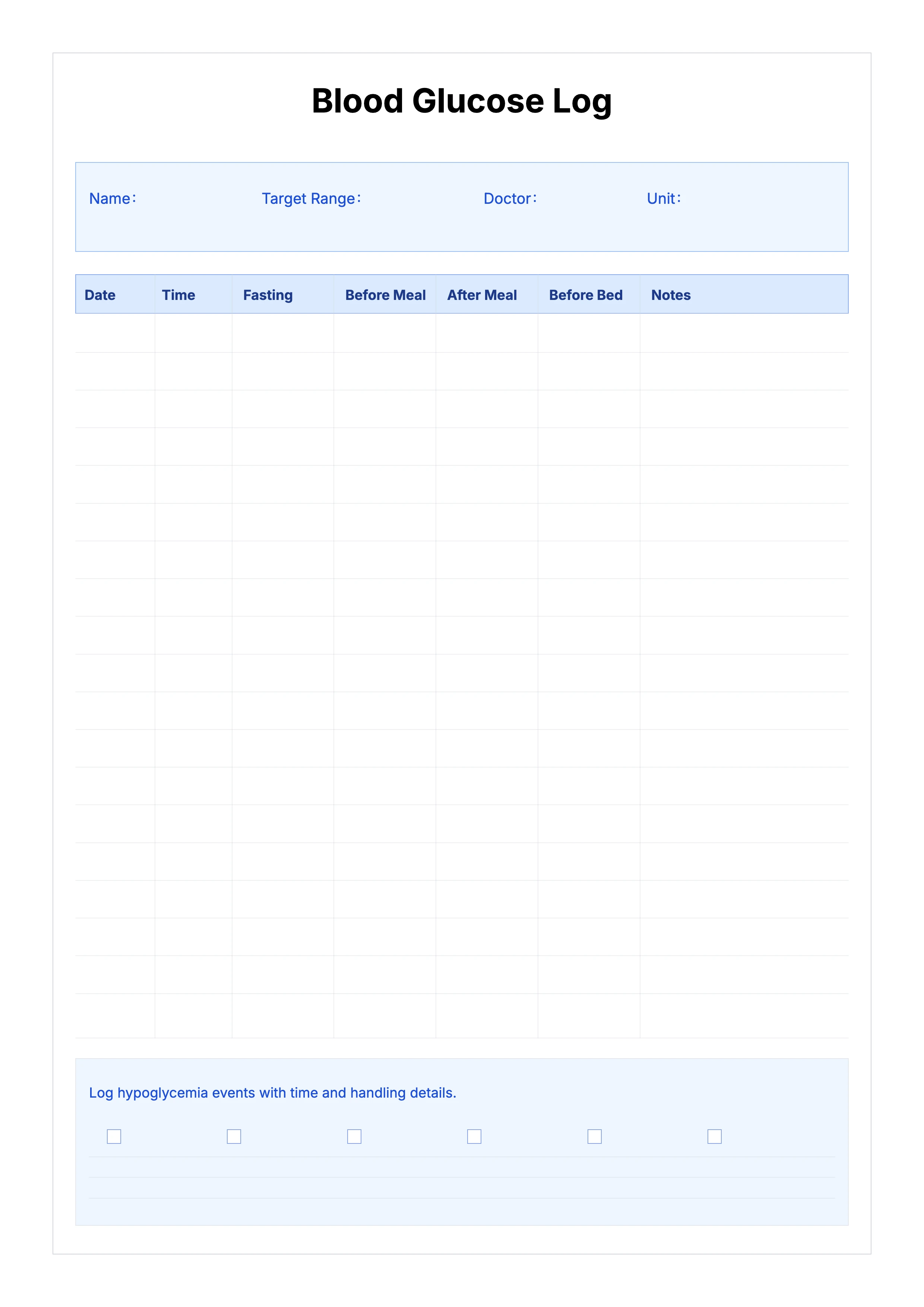
Free Blood Glucose Log Template - Fasting Pre/Post Meal Bedtime Tracker

Related Articles

Parent Essentials: The Ultimate Free Printable Worksheet Collection for Kids (Grid, Pinyin, Error Log & More)

Export

Settings
Quick Settings

Recommended Setup

Recommended Setup

Use A4 portrait with default margins to keep medication rows and checkbox column clearly readable on one page.

If your printer defaults to Letter, switch to Letter portrait; column semantics stay unchanged.

Printing Tips

Printing Tips

Paper: 80-100gsm paper works well for handwriting and archiving.

Quality: Use 300 DPI so small header text and checkbox borders remain sharp.

Usage: Check the Taken box immediately after each dose and record reaction timing in Side Effects.

PrintlyTool

PrintlyTool

Printable templates for classrooms, studios, and daily planners.

Product

  • Template Library
  • Changelog
  • PrintlyTool Main Site

Resources

  • About Us
  • Help & Feedback

Printable templates for classrooms, studios, and daily planners.

PrintlyTool - Privacy PolicyPrintlyTool - Terms of Service
© 2025 PrintlyTool. All rights reserved.